

Settings
Location settings
Change a shop's name, address, logo and default voice, or remove it.
These settings apply to the location you're working on. Check the name at the top of the sidebar first.
Sidebar → Settings → Location
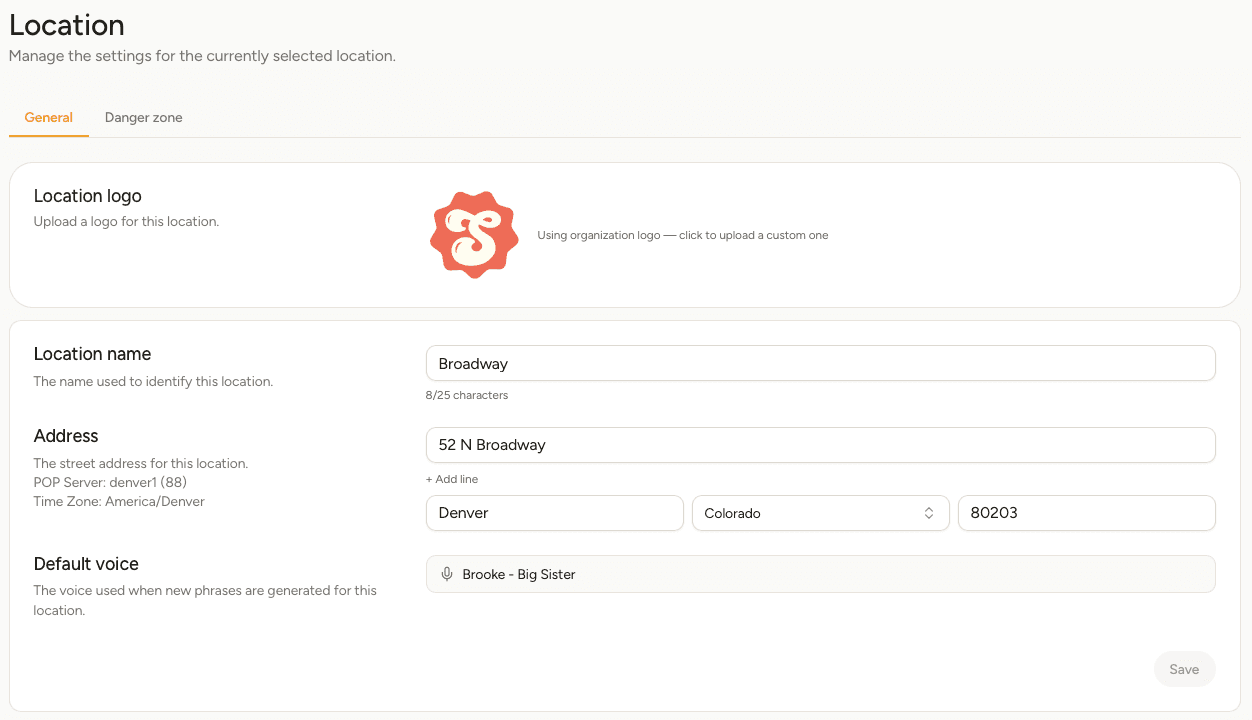
General
| Setting | What it does |
|---|---|
| Location logo | Shown beside this location in the app. Each location uses your organization's logo until you give it one of its own. |
| Location name | How this shop appears in the location switcher, up to 25 characters. |
| Address | The shop's street address. It also sets the time zone used for call and voicemail times, so it's worth getting right even if customers never see it. |
| Default voice | The voice new phrases at this location start with. Existing phrases keep the voice they already have. |
Make your changes and select Save.
Changing the default voice doesn't re-record phrases you've already written. To change one of those, open it under Phrases and pick the new voice there.
Delete a location
Open the Danger zone tab and select Delete location.
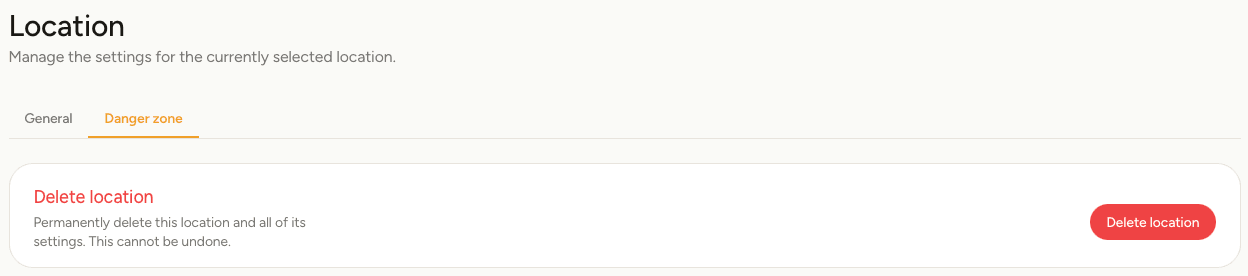
Deleting a location permanently removes its numbers, lines, menus, phrases and voicemail. It cannot be undone. If you want to keep a phone number, move it to another location first — see Numbers.