

Settings
Organization settings
Your business name and logo, and where to find team and billing settings.
Your organization is your whole business. Its settings apply to every location.
Sidebar → Settings → Organization
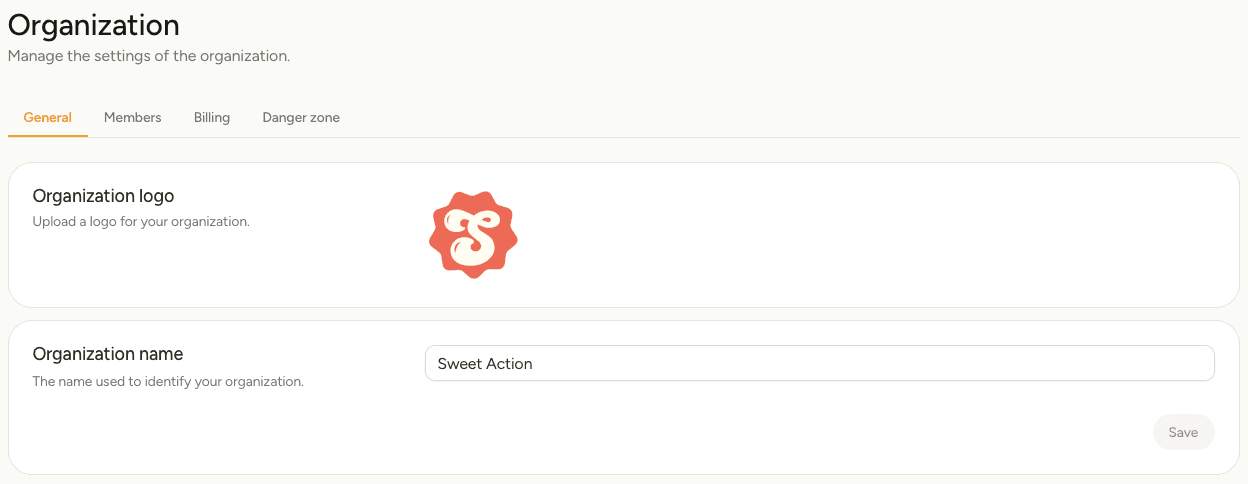
| Tab | Use it to |
|---|---|
| General | Change your organization's name and logo. |
| Members | Invite people and choose what they can access. See Team members. |
| Billing | Change your plan and what you pay for. See Billing and plans. |
| Danger zone | Delete the whole organization. |
Change your name or logo
On the General tab, select the logo to upload a new one, or edit Organization name, then select Save.
Locations show the organization logo unless you give them their own under Location settings.
Delete your organization
The Danger zone tab deletes the entire organization.
This removes every location, number, line, menu, phrase and voicemail message in your business, and cancels your subscription. It cannot be undone. To close one shop rather than the business, delete that location instead.